
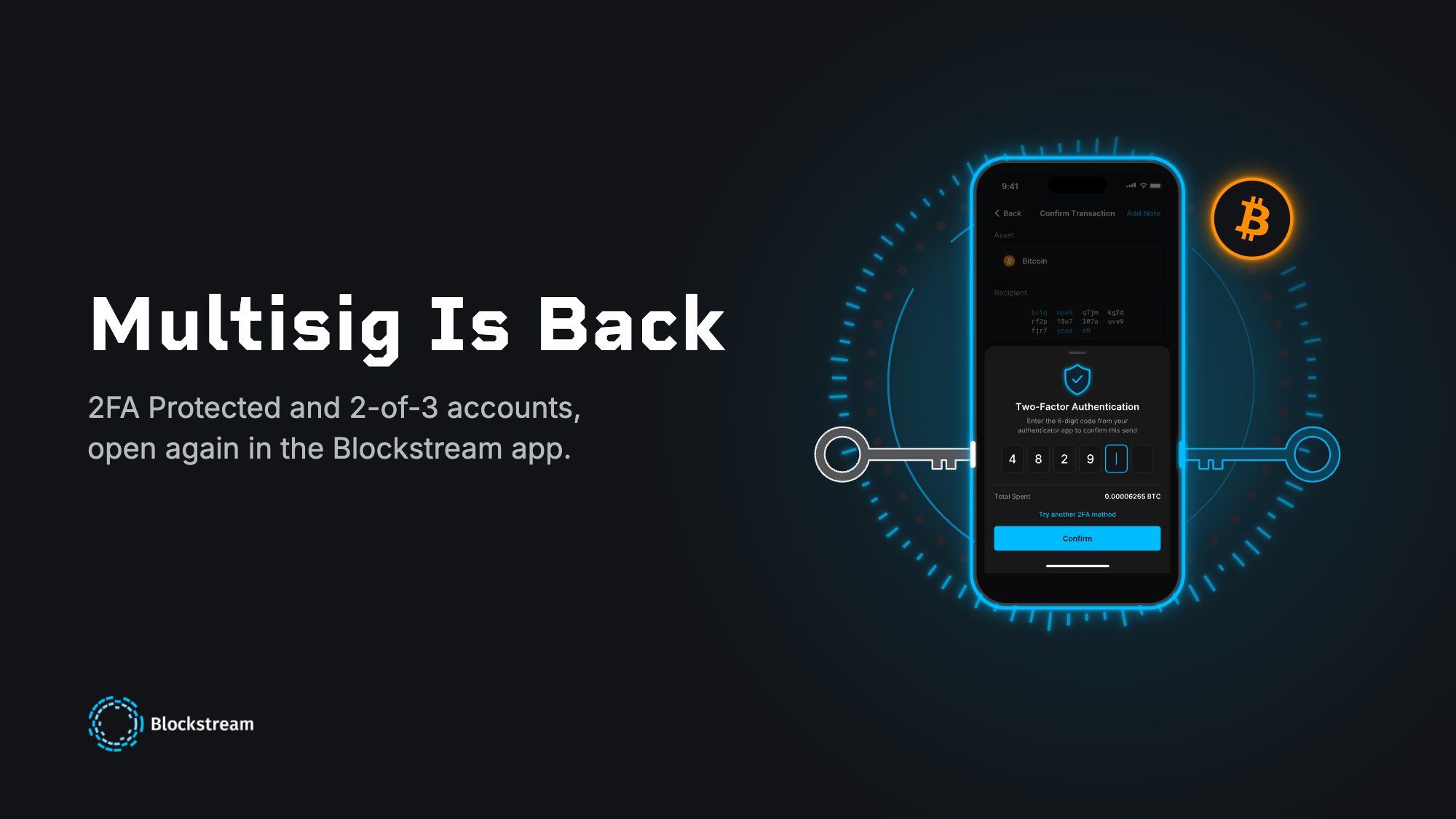
Multisig accounts are back in the Blockstream app. Create a 2-of-2 2FA Protected account, or a 2-of-3 account for Bitcoin that adds a backup key only you hold. It's the same server-cosigned multisig protection Blockstream has run for years.
Two Ways to Add a Second Key
A 2FA Protected account (2-of-2) is built for active spenders: two keys are required to send a transaction, one on your device secured by your PIN, one on Blockstream's servers secured by two-factor authentication.
A 2-of-3 account (shown in the app as 2of3 with 2FA) is built for long-term savings. Everyday sends work exactly the same way, with your device key plus 2FA. The difference is a third key: a secondary recovery phrase that you keep offline.
Pair that phrase with your device key and you can recover your funds immediately, without 2FA and without waiting on a timelock. Both account types are available for Bitcoin. 2-of-3 is not yet available for Liquid.
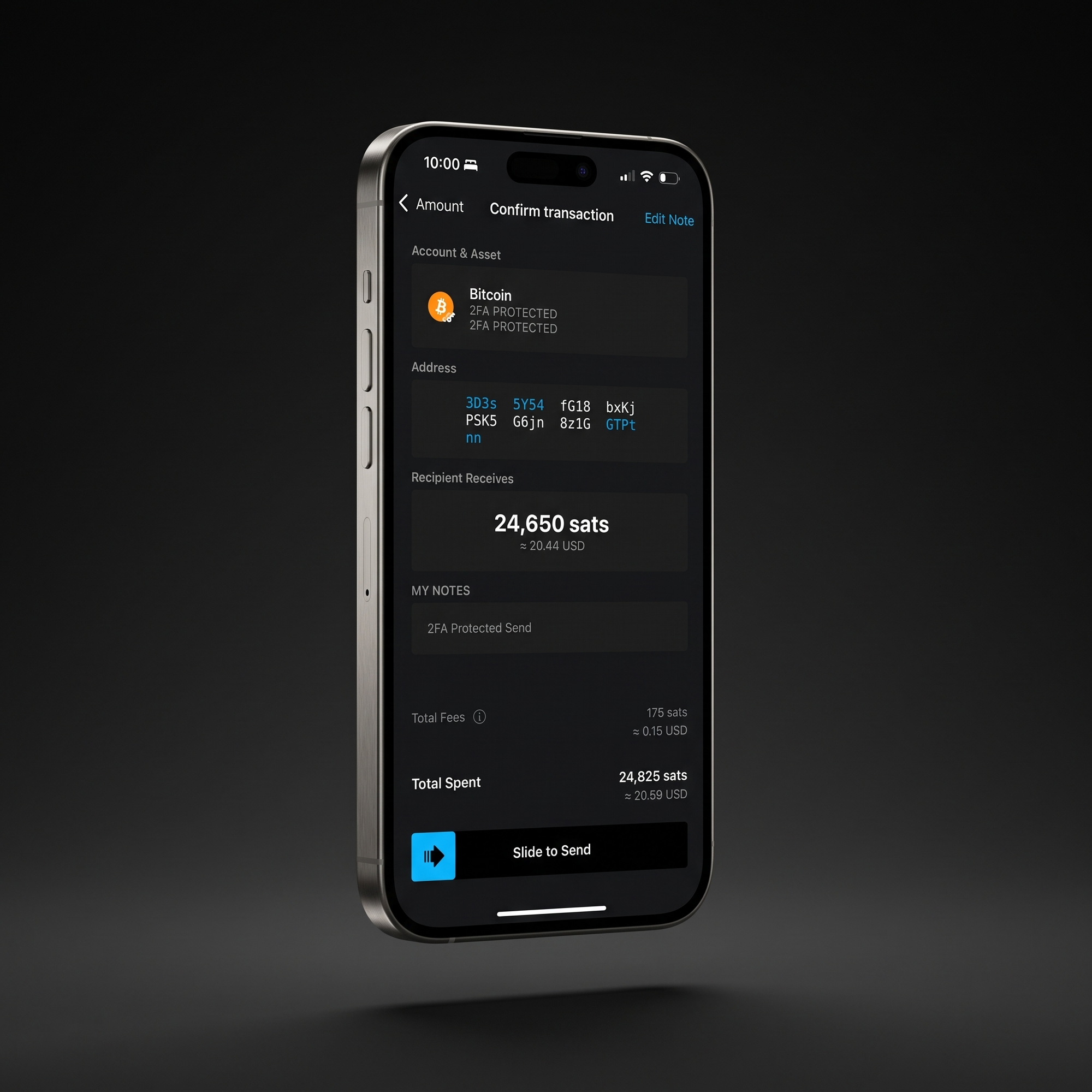
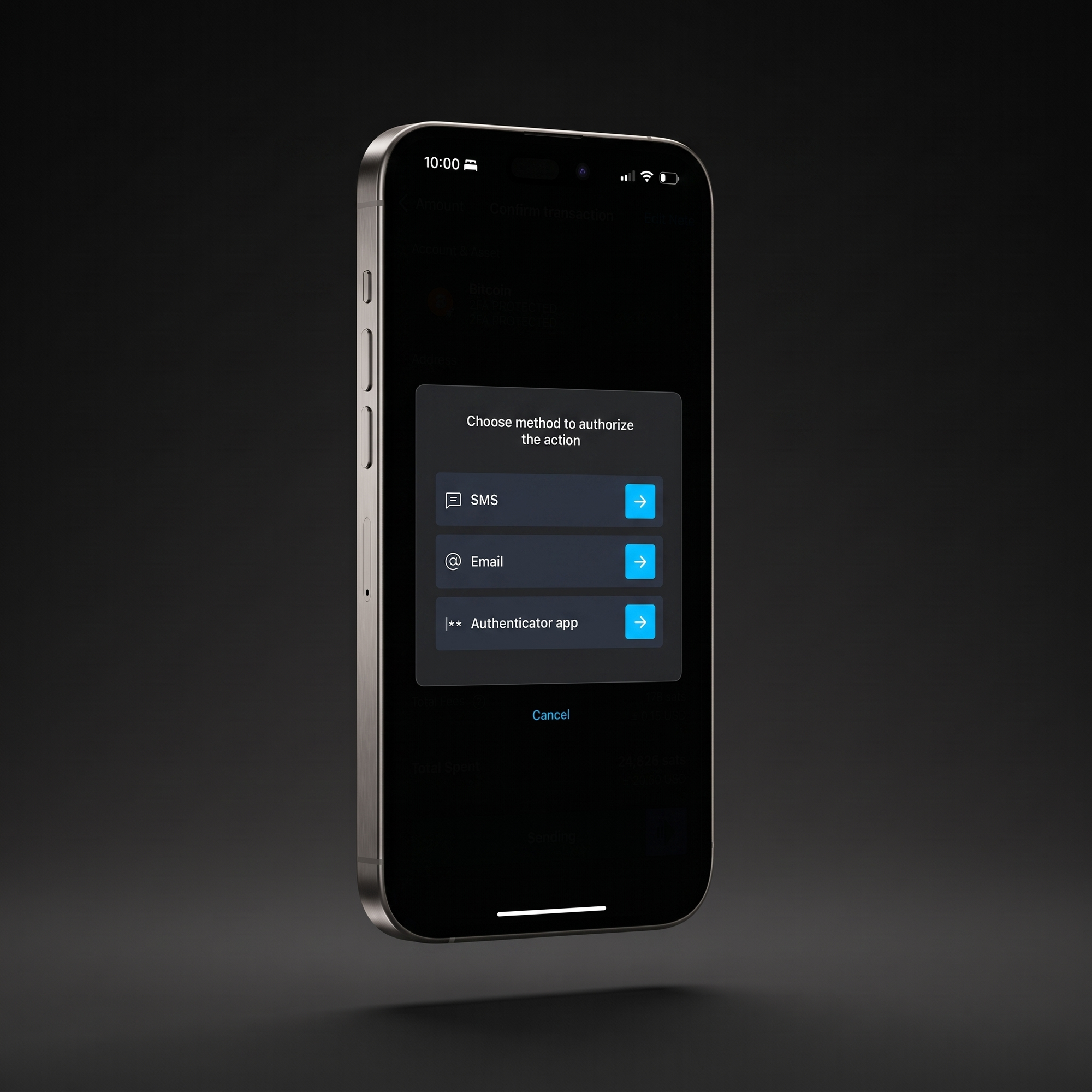
Sending from a 2FA Protected account works like any other send. Review the address, the amount, and the fee, then slide to send. The app then asks you to approve the transaction with your second factor: an authenticator app, email, SMS, or a phone call. Only once both keys have been signed does the transaction go out.
Why We're Bringing It Back
Interest in multisig and collaborative custody has picked up sharply across the industry. With security on everyone's mind lately, we wanted to help more people get there sooner.
If you already have a legacy multisig account, nothing changes for you, and there's no migration to deal with. This opens the option back up for everyone who has been asking for it.
From One Key to Two
If you hold your own bitcoin with a single key and you've been considering adding that additional layer of security, this is an easy path to get started with a robust, fully self-custodial multisig solution. For those of you who've been asking for us to bring multisig back, we've heard you and we've listened.
You Always Keep an Exit
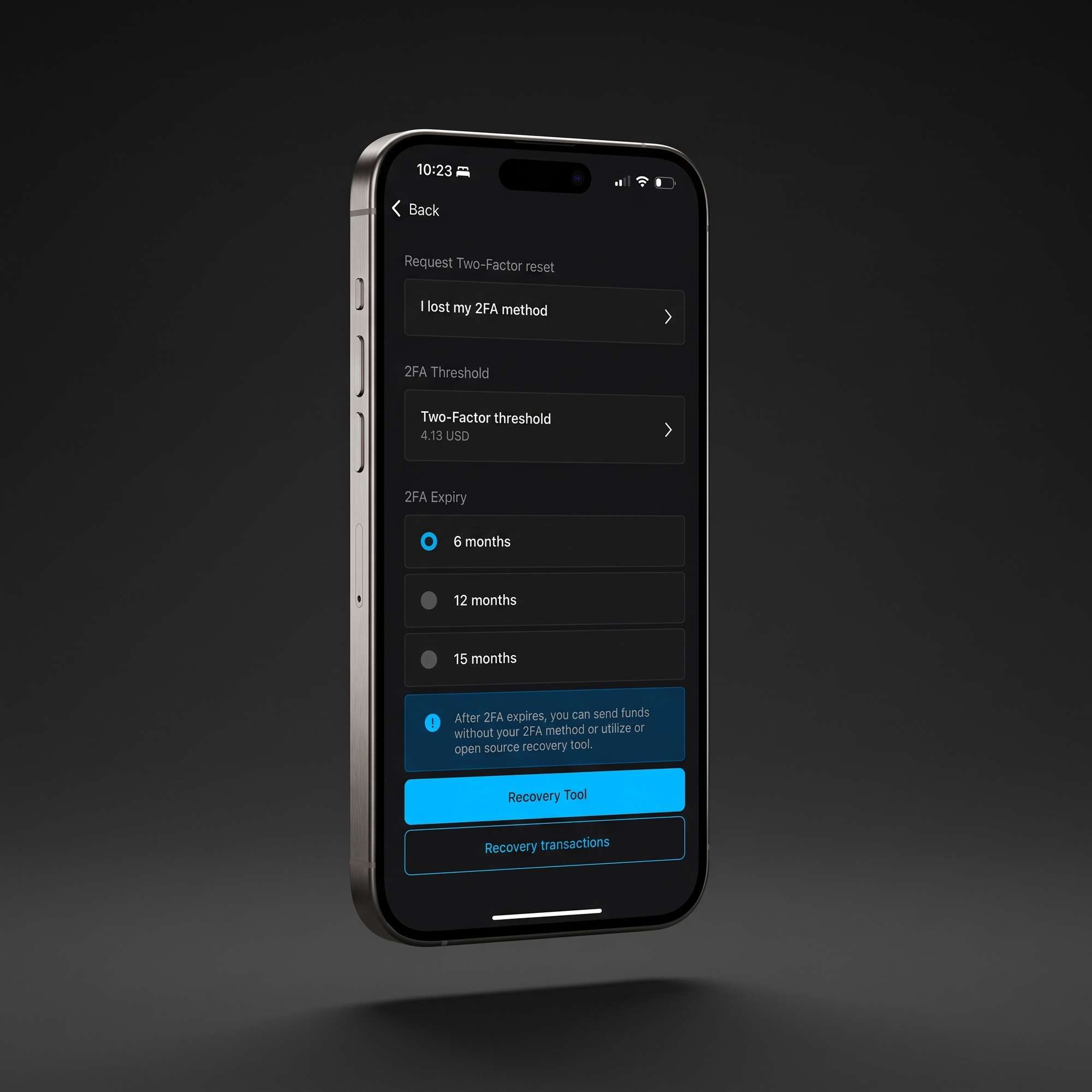
On a 2FA Protected account, two keys are required to spend. Each deposit you receive starts its own timelock, counting from the block it confirms in. On Bitcoin, you choose how long that lasts: about 6, 12 (the default), or 15 months.
Once a deposit's timelock expires, it can be spent with your device key alone, no 2FA needed. If you ever lose access to your 2FA methods entirely, our open-source recovery tool can recover your funds once that timelock passes. You don't need to trust us to cooperate.
Because expired coins no longer need 2FA, the app will prompt you to redeposit them. That restarts the timelock and keeps them protected.
A 2-of-3 account skips the wait. Its 2FA never expires, and you can combine your secondary recovery phrase with your device key to recover immediately, no timelock required.
The difference comes down to what you're optimizing for. A 2FA Protected account asks nothing extra of you upfront: no extra backup to set up, just a wait if you ever need to recover without us. A 2-of-3 account asks you to keep one more recovery phrase safe offline, and in exchange removes the wait entirely.
Neither one requires you to trust that we'll cooperate: the recovery path is open source and works with or without us.
You manage all of this from the account's 2FA settings (Settings → Two-Factor Authentication). On Bitcoin, choose when 2FA expires and set a 2FA threshold so smaller sends below an amount you pick don't need a second factor (it's off by default). If you ever lose your 2FA methods, you can request a reset. Resets aren't instant: a waiting period applies, so nobody can quietly reset your 2FA and drain your account.
Keep Your Key on Jade
For the strongest setup, keep your own key on Jade instead of your phone or computer. Jade holds that key offline, signs without ever exposing it, and pairs directly with the Blockstream app. It works with both 2FA Protected and 2-of-3 accounts.
Your key stays on dedicated hardware and Blockstream's key stays behind your 2FA, so no single device or account is enough to move your bitcoin.
Running on Proven Infrastructure
This isn't new infrastructure. The multisig accounts we're reopening today are the same ones many of our users already hold. They run on the same timelock mechanism, CheckSequenceVerify, that has secured recovery for Bitcoin 2FA Protected accounts in the app since January 2021. Liquid accounts use a shorter timelock, around 45 days, though 2-of-3 is Bitcoin-only for now.
What Comes Next
Adding recovery-tool functionality directly into the app is on the roadmap, so you won't need a separate tool to see your options if you ever need to recover without 2FA.
Update to the Latest Version
Creating a 2FA Protected or 2-of-3 account needs at least:
iOS: version 5.7.0
Android: version 5.7.0
Desktop (Windows, macOS, and Linux): version 3.6.0
Update from the App Store or Google Play, or download the latest desktop release. As always, make sure your recovery phrase is backed up before you update.
Create Your Account
Once you're on the latest version, open the Blockstream app and select Create New Account. Choose Bitcoin, then under Security Policy pick 2FA Protected or 2of3 with 2FA.
For the full mechanics, including timelocks and recovery, see 2FA Multisig Protection Explained in the Help Center.