

The typical two-factor authentication (2FA) setup is one app on one phone. Lose the phone and the codes go with it, which usually means working through password resets and support tickets to get back into every account. In the latest 1.0.40 firmware update, Jade now holds those codes and exports them when you need them on another device.
What Jade Can Do Now
- Migrate from Google Authenticator: Jade reads Google Authenticator's export QR directly.
- Import any standard 2FA setup QR: Beyond Google Auth's export, Jade also accepts the standard one-time password (OTP) setup QRs that most services display when you enable 2FA. If a platform supports authenticator apps, Jade can hold its codes.
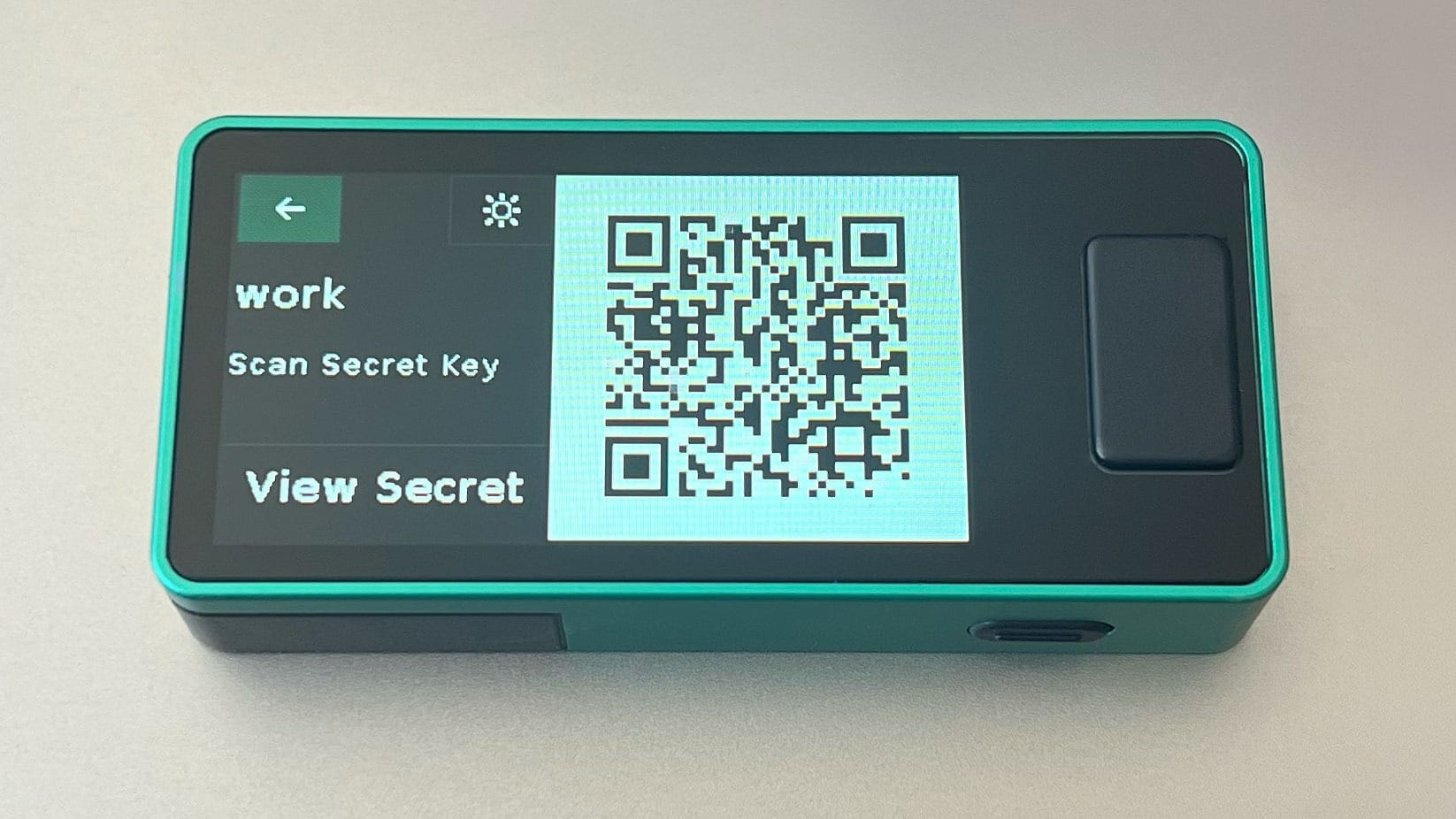
- Export records as a QR or as the secret key: Records leave Jade as a scannable QR or as the underlying secret in plain text. Pick whichever fits your destination authenticator app or backup method.
- A backup if your phone dies: With records exportable, a lost or replaced phone no longer means starting 2FA from scratch on every account. Pull the codes off Jade onto the new device and keep going.
- Run Jade as primary or secondary: Use your phone for daily logins while reserving Jade as the offline backup, or run Jade as the primary authenticator and export to a phone app only when convenient.
How Jade’s 2FA Backup Support Works
Jade has supported OTPs in earlier firmware releases. You could scan a setup QR, store the record on Jade, and generate OTPs from hardware that stays offline and behind a PIN. What was missing was the round trip: getting accounts onto Jade from a phone you'd already set up, and getting them from Jade if you needed them somewhere else.
To import, start from Jade's main menu and choose Scan QR. Then point the Jade camera at the QR the 2FA service shows you. The secret is then stored on the Jade itself. Read our full walkthrough for more detailed instructions.
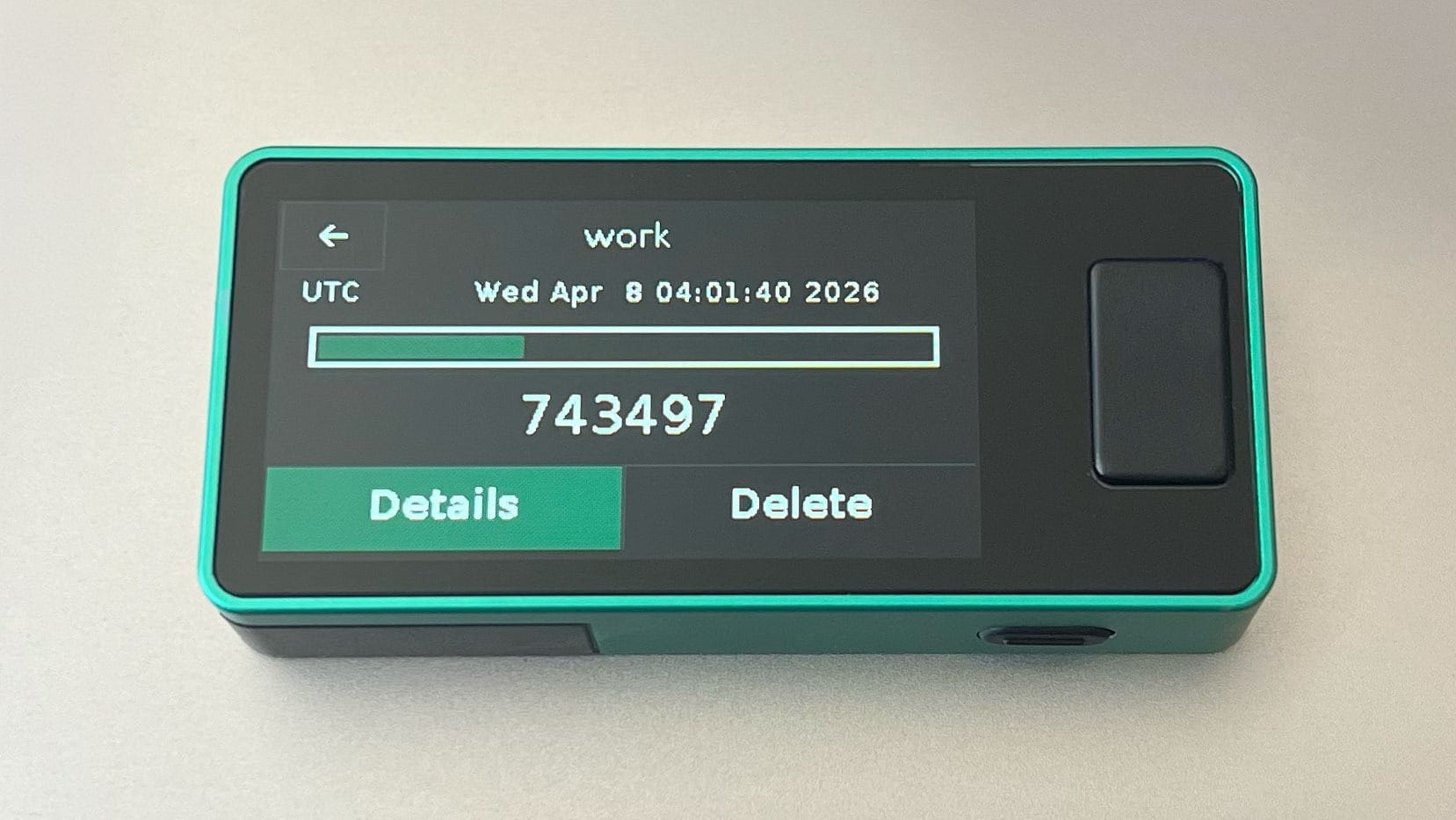
Exporting works the same way in reverse. Jade can display any stored record as a QR code that an authenticator app will read, or as the underlying secret in plain text that you can copy into an encrypted file or a password manager.
One thing worth knowing: OTP records live on the Jade device itself, not in the wallet seed. Restoring a Jade from your 12-word recovery phrase re-grants access to your bitcoin, but it does not bring back your authenticator records.
Get Started
Firmware 1.0.40 is rolling out now. Update through the Blockstream app, or follow the firmware update guide if you'd rather do it manually. Once you're on the latest version, you can scan accounts from the main menu and export records whenever you need them.
- Read 1.0.40 release notes
- Learn how to use Jade as a 2FA device