
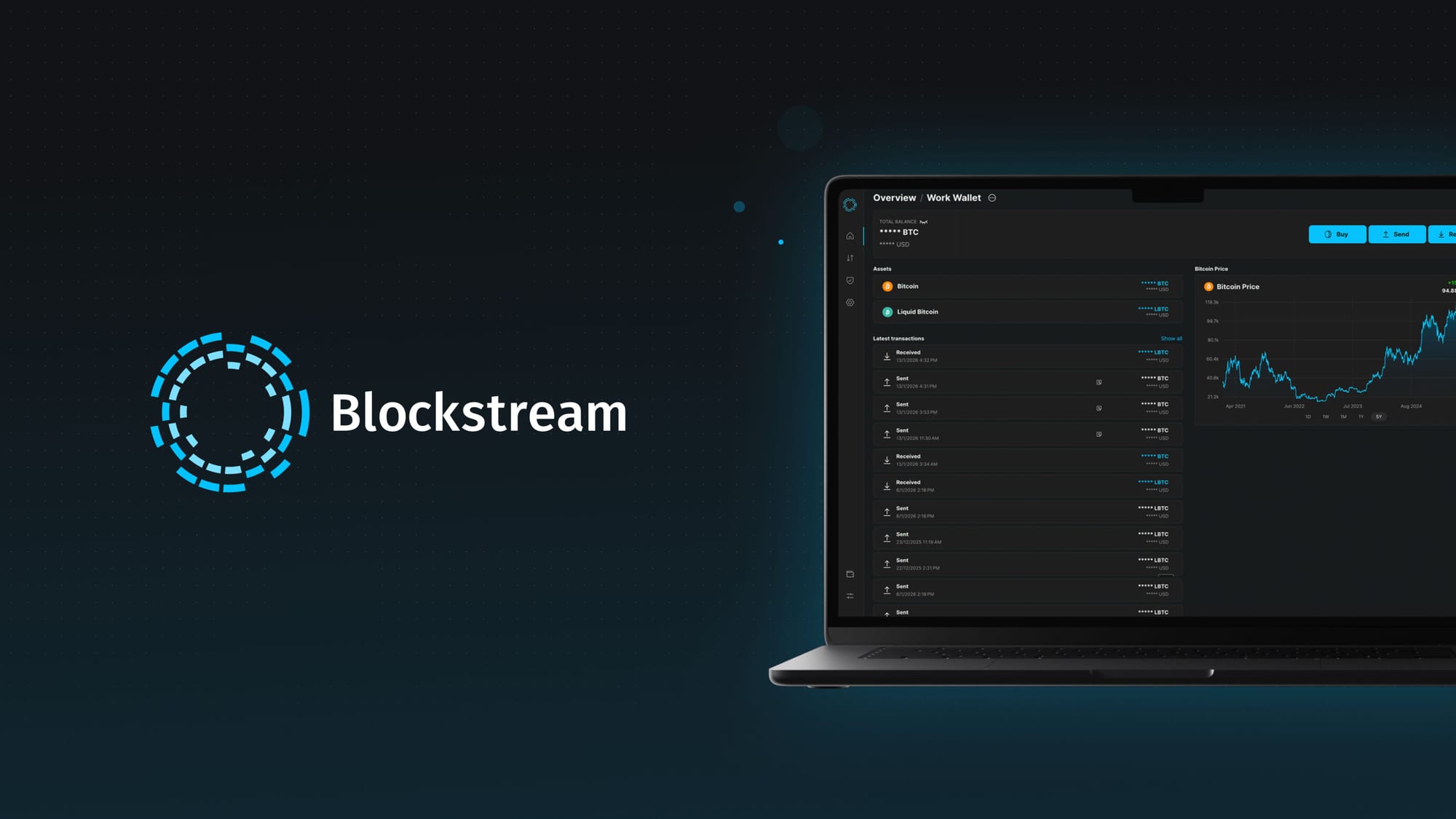
Today, we’re rolling out a massive overhaul to the Blockstream app on desktop. 3.0.0 now delivers a professional environment where you can now buy bitcoin, monitor markets with interactive price charts, track your entire stack across Bitcoin and Liquid Network assets from one dashboard, and a dedicated security tab to easily enhance your stack's protection.
Buy Bitcoin Without the Exchange Hassle
The new bitcoin buy flow makes safely stacking sats easier than ever before, allowing you to skip the exchange and buy sats directly to self-custody. With access to multiple providers, you can compare real-time quotes, select your payment method, and get the most sats for your money, all without leaving the app.
Payment options include Apple Pay, Google Pay, card, or wire transfer. Built-in payment tracking means you know exactly where your bitcoin is from purchase to self-custody. Forget multiple accounts on different platforms; the entire process happens self-custodially from your wallet.
Refreshed Home Dashboard
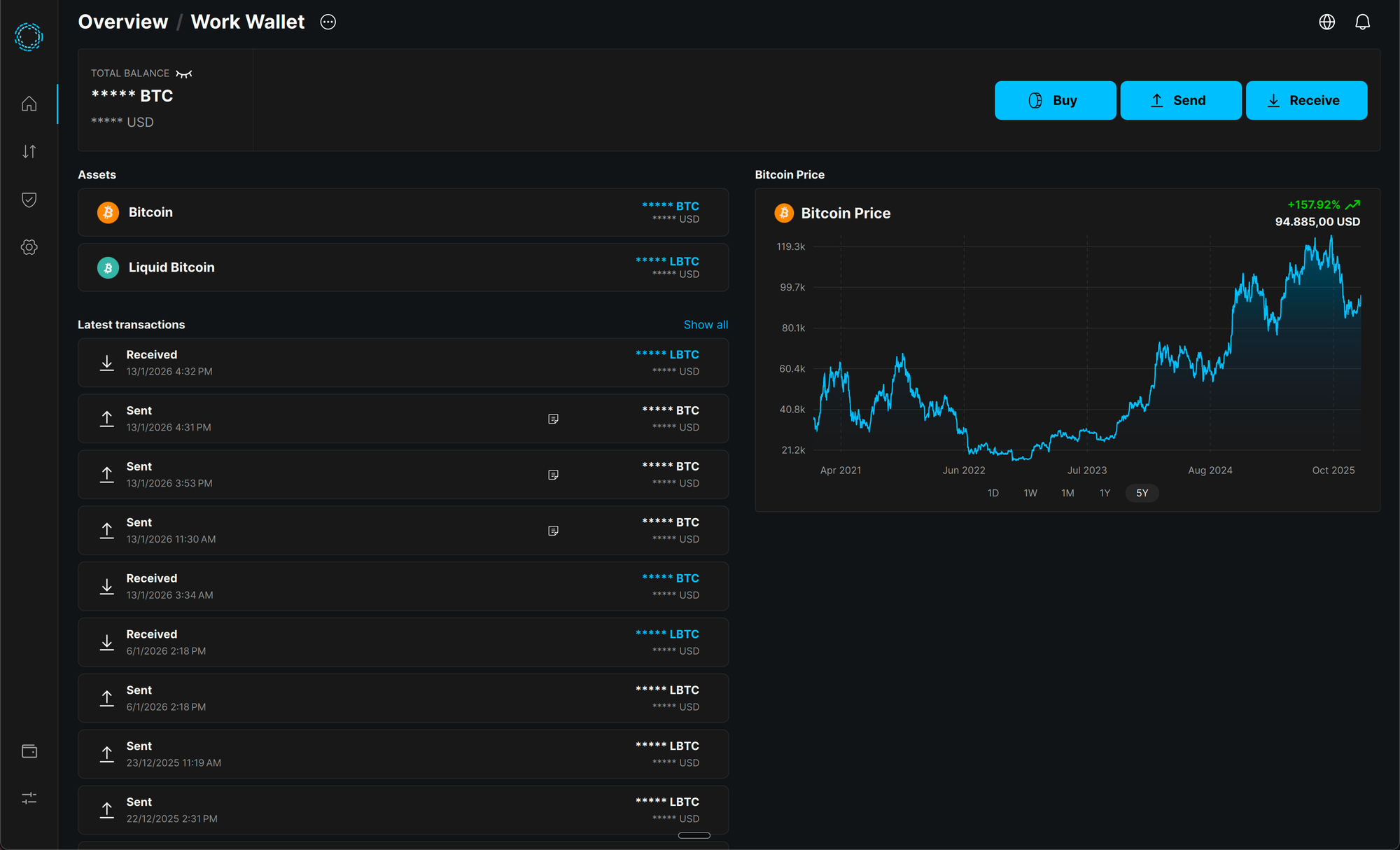
We reimagined the home dashboard UI, giving you a bird’s eye view of all your accounts and assets on one clean interface. See your bitcoin and Liquid assets side by side, with real-time price information and recent transaction history at a glance.
The Liquid integration means you can manage Layer-2 assets alongside your mainchain bitcoin, useful for users who want faster, confidential transactions, and varying asset types.
Bitcoin Price Chart
Monitor the Bitcoin price without switching between apps and browser tabs. The desktop app now includes interactive price charts with multiple timeframes: 1 day, 1 week, 1 month, 1 year, and 5-year history. Hover over any point for detailed price data exactly when you need it.
Rebuilt Send and Receive Flows
Transferring bitcoin should be precise and seamless. The Blockstream app’s updated send and receive flows deliver exactly that:
- Improved account and asset selectors make it clear where bitcoin is moving.
- QR code scanning improvement works directly from your desktop camera.
- Faster, clearer transactions with better fee estimation and confirmation tracking.
New Security Tab
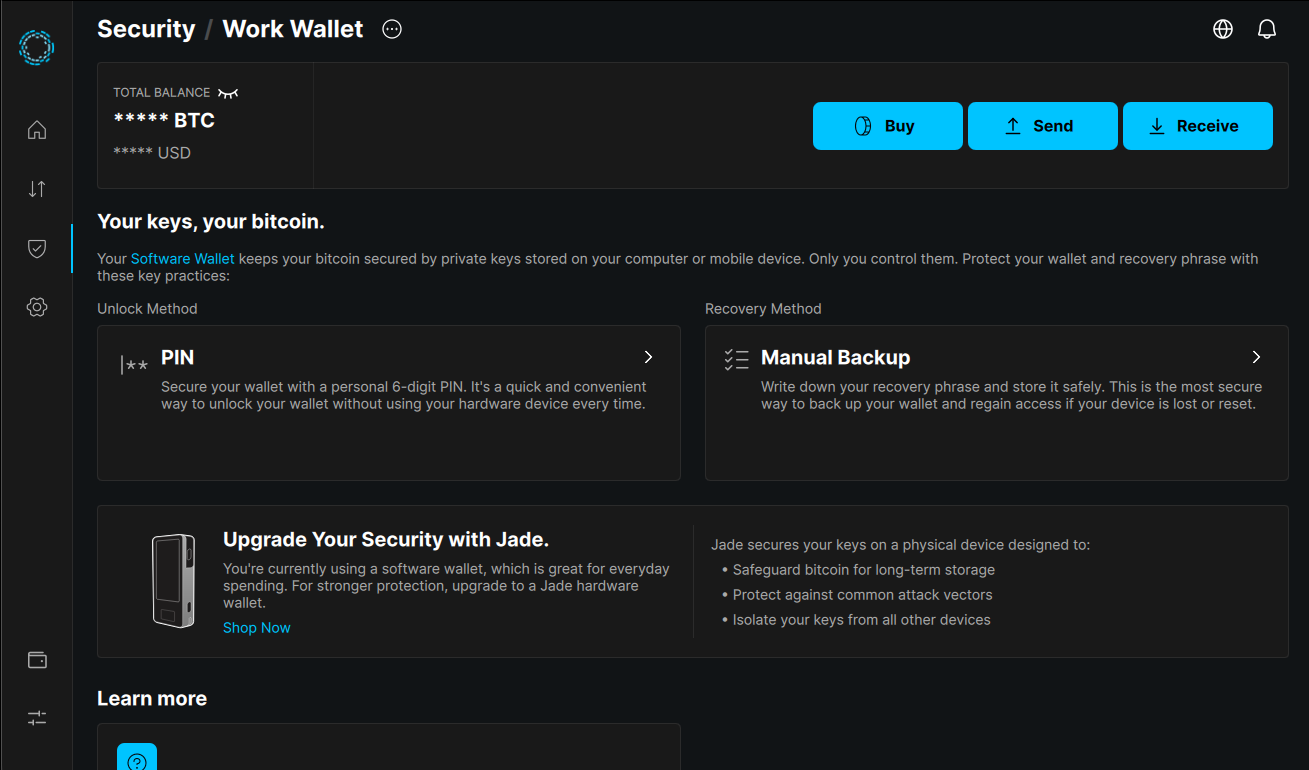
Security is paramount to our users. That’s why we batched everything security-related in an intuitive, dedicated Security tab. Hardware wallet integration with Blockstream Jade is front and center, including easy access to genuine device checks and firmware updates. The new FAQ section answers important security questions without forcing you to search documentation.
The Blockstream app is a software wallet by default, giving you immediate access to self-custody. When you're ready to upgrade to hardware security, Jade integration is seamless.
Personalized Desktop UI
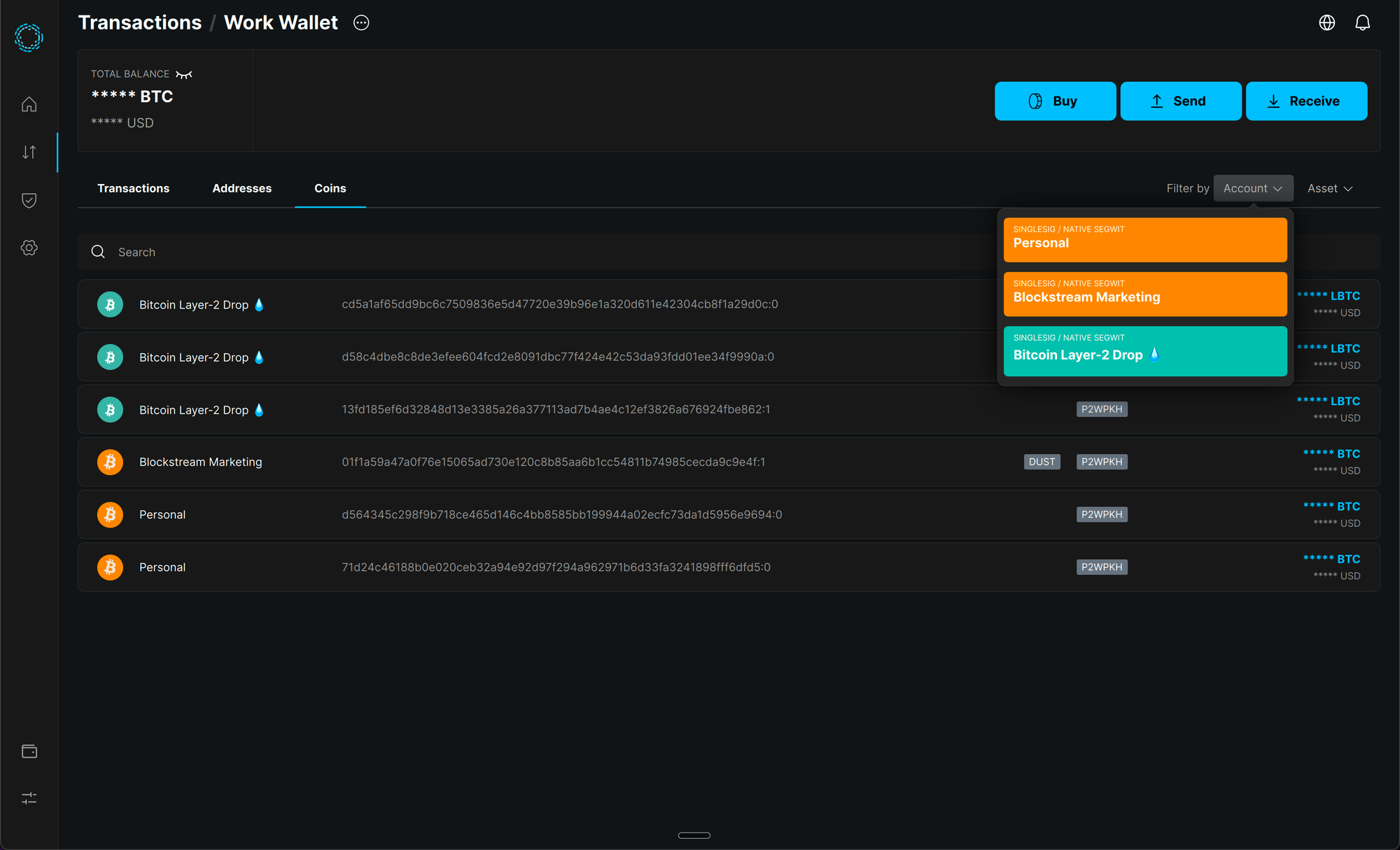
Your workspace should fit your workflow, not the other way around. We recognize that newcomers, seasoned HODLers, and advanced builders all interact with their app differently, so we dropped the static layout. The new resizable sidebar lets you prioritize what you need to see, whether that’s deep-diving into a Liquid transaction or keeping tabs on the Bitcoin price. With new keyboard shortcuts, you can move from checking your Jade’s firmware to sending a transaction without your hands leaving the keys.
Take Control
The updated 3.0.0 Blockstream desktop app is here. Download now and experience Bitcoin self-custody the way it should be: fast, secure, and built for people who take their bitcoin seriously.
Download the Blockstream app for desktop: https://blockstream.com/app/